Available now on Google Play
Put your selfie beside the scene instead of choosing between them.
 Bothie
Capture the view. Keep yourself in the story.
Keep the landscape and your selfie in one travel photo. Start with Bothie’s free picture-in-picture camera for Android.
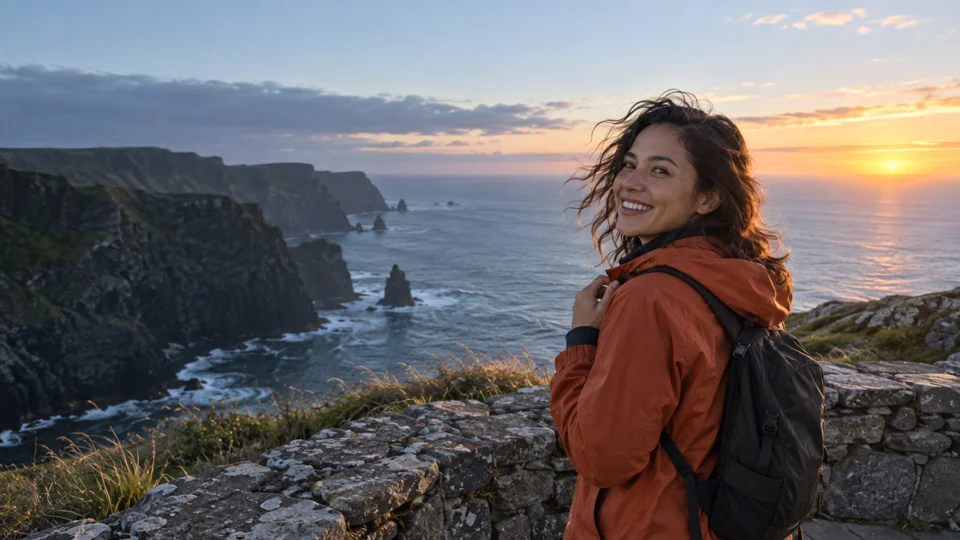

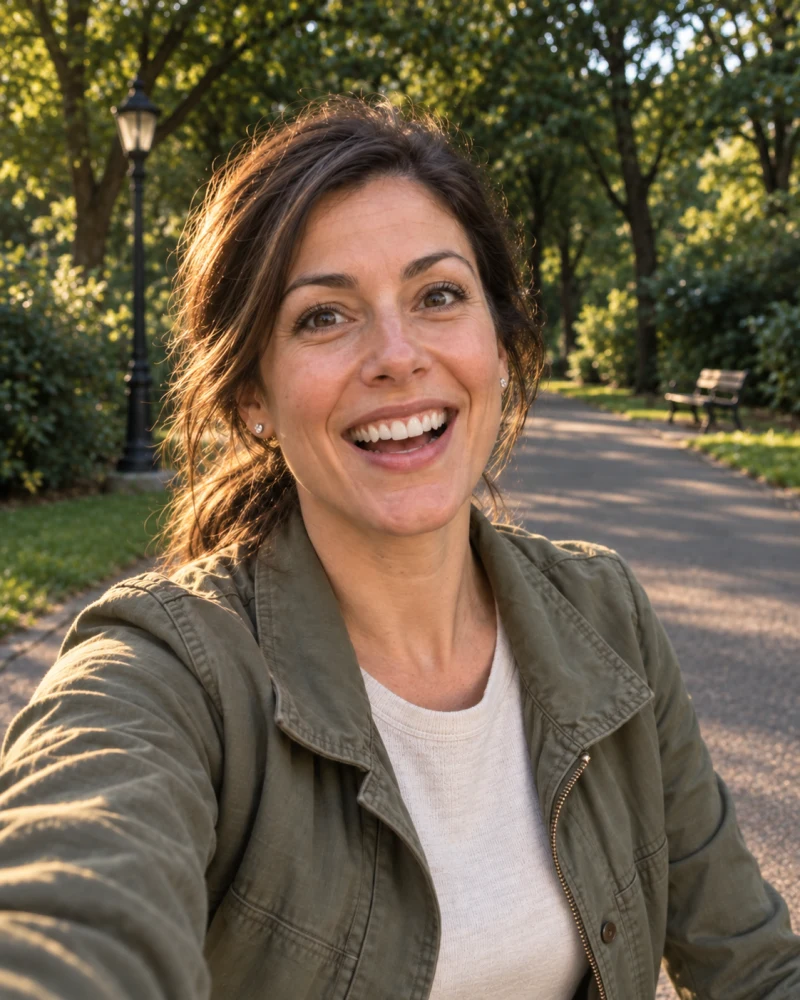
Your view and your reaction, together.
Interactive composition · illustrative scenes
Put your selfie beside the scene instead of choosing between them.
PiP is free. Side-by-side and top-and-bottom layouts on Android require Creator.
Capture photos or videos and save the composition directly to your photo library.
Photos and videos are processed locally, not uploaded
Keep the scene big with free PiP. Or give each view its own space with Creator’s side-by-side and top-and-bottom layouts on Android.
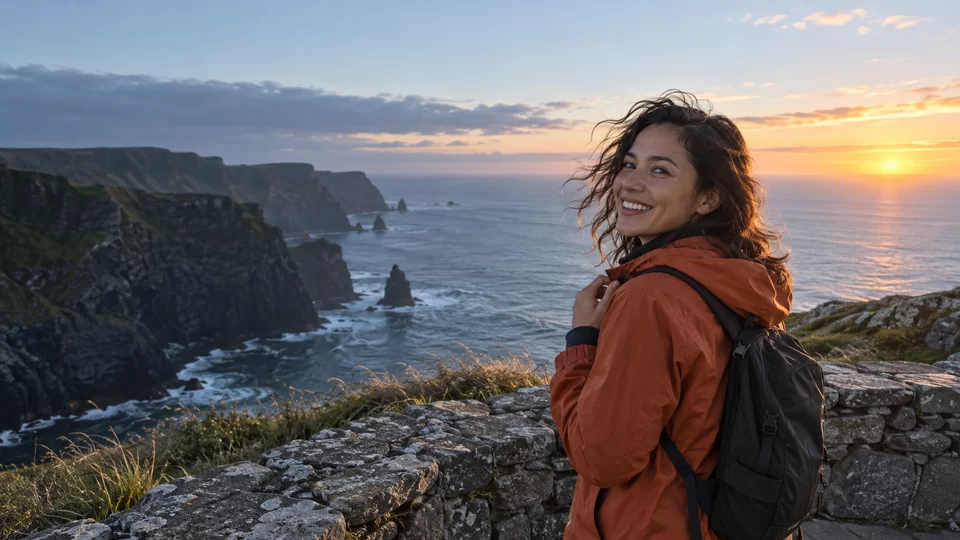

The view and your reaction, together.
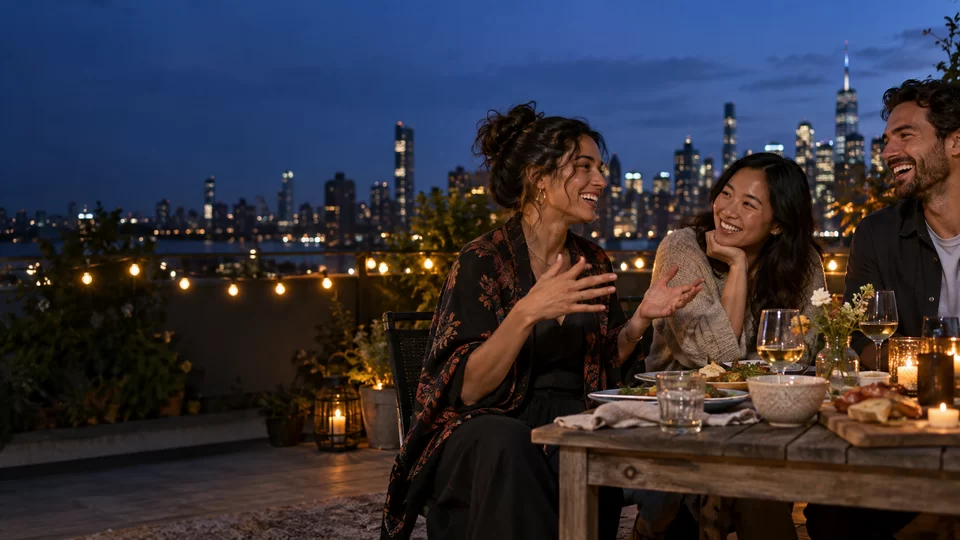

The photographer belongs in the story.
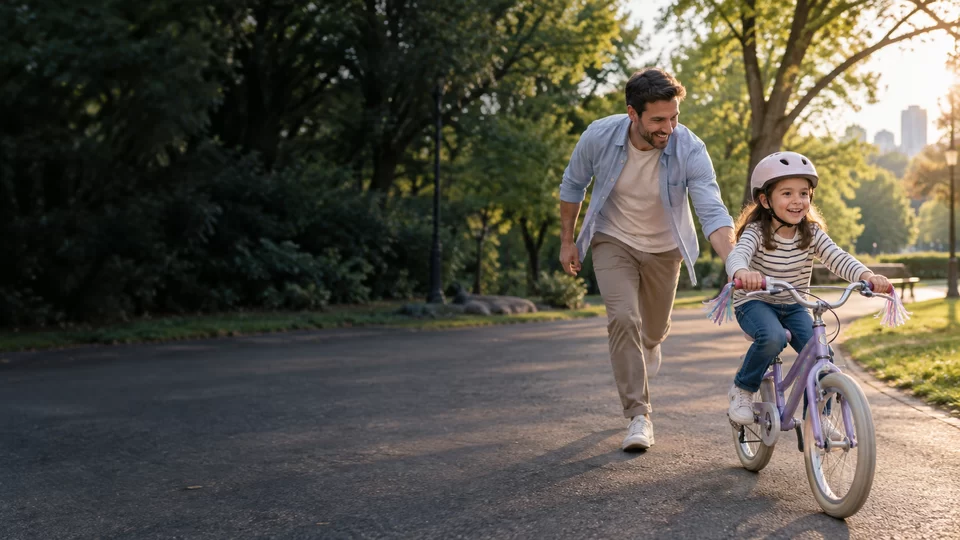
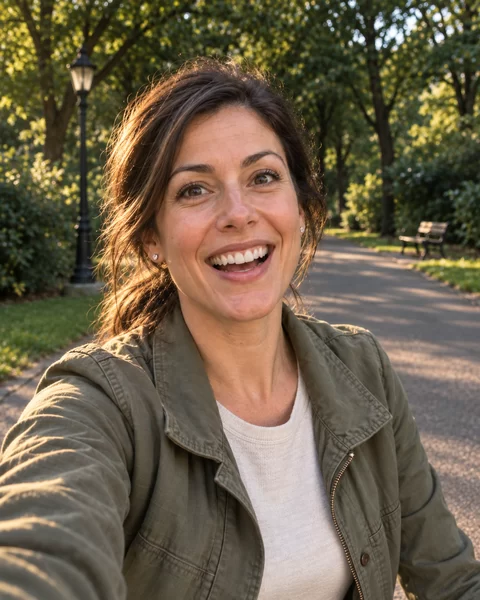
Every side of growing up matters.
A trip, a table of friends, a first ride. Pair what happened with the person behind the camera.
Scroll to see the other side. Or choose a view.
A coastline, a turn of the head, your smile behind the phone. Free PiP capture pairs the rear-camera scene with your front-camera selfie in one photo. Place your portrait where it won’t cover the view.
Scroll to see the other side. Or choose a view.
You hold the phone. Your friends lean in. With Android Creator, side-by-side capture gives each view its own half—so taking the photo doesn’t mean being left out of it.
Scroll to see the other side. Or choose a view.
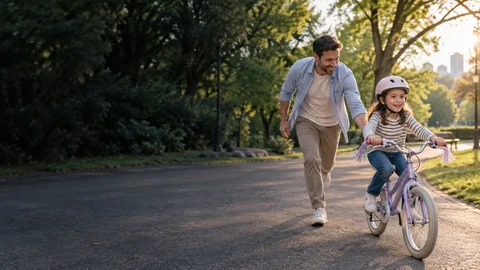
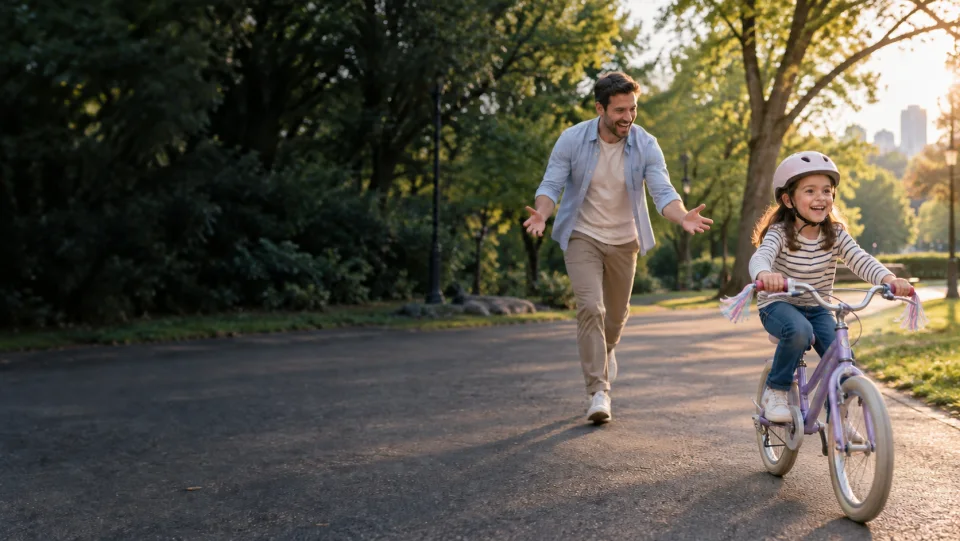
One camera follows the bicycle; the other sees the parent filming. Android Creator’s top-and-bottom layout gives both views their own space. For a fast-moving milestone, check simultaneous-camera support before the ride.

Scroll to see the other side. Or choose a view.
The stage tells you what happened. Your face tells you how it felt. Record both in one free PiP video on a compatible phone. Check concurrent-camera support and the venue’s recording rules before the show.

Scroll to see the other side. Or choose a view.
Coffee arrives. The conversation keeps going. Capture both sides now, then use Creator to swap the views, move your portrait or choose a different photo format. A moment worth keeping should not wait for perfect framing.
Simultaneous capture requires a compatible phone. On unsupported devices, Bothie uses sequential capture. These interactive scenes illustrate composition, not live camera output.
Your view and your reaction, composed into one photo or video on your device. Start with free picture-in-picture; choose Creator when you want more ways to frame it.
Put your selfie beside the scene instead of choosing between them.
PiP is free. Side-by-side and top-and-bottom layouts on Android require Creator.
Capture photos or videos and save the composition directly to your photo library.
Compatible phones capture both cameras simultaneously. Others guide you through sequential capture.
No account, no ads, no feed. Open the camera and focus on what is happening.
Start with free PiP capture—no account to create. Bothie checks how your phone can use the two cameras.
Position your selfie without covering the scene. Creator adds split-screen layouts on Android.
Capture together on compatible devices, or follow the guided two-step capture.
Save one composed photo or video to your device. No publishing feed required.
Let the scene lead, or put your reaction first. Creator lets you change the composition of a recent Bothie photo after capture—using its retained front and rear originals.
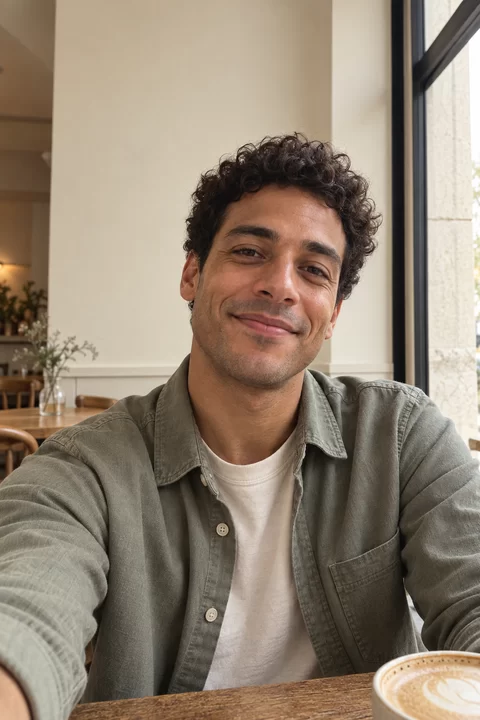
Same two views. Choose which one leads.
Interactive composition · illustrative scenes
Find out what your phone supports, choose a layout that keeps both subjects visible, and capture your next trip, reaction or family milestone with confidence.
Learn how dual-camera capture works on Android and iPhone, how to frame both views, and what happens when a phone cannot run both cameras concurrently.
Read guide →Compare what mobile apps for cinematography need, then build a practical front-and-back camera workflow for vlogs, events, and behind-the-scenes footage.
Read guide →A practical guide to camera permissions, on-device processing, local saving, data disclosures, and the questions to ask before trusting a camera app.
Read guide →Answers about Android camera apps, dual capture, reaction cam recording, PiP video, split-screen layouts, compatibility, privacy, and the official camera app download.
Yes. On phones that support concurrent cameras, Bothie captures the front and rear cameras together. Other devices use a guided two-step capture and still create one composed photo or video.
Open Bothie, choose picture-in-picture, side-by-side, or top-and-bottom, compose both views, and start recording. Simultaneous dual-camera recording depends on the Android device’s camera capabilities.
Picture-in-picture, also called PiP camera mode, places a movable front-camera window over the larger rear-camera scene. It works well for reactions, travel vlogs, tutorials, food reviews, and live events.
Yes. On Android, Creator unlocks side-by-side and top-and-bottom layouts during capture. Picture-in-picture stays free. Save one composed video; simultaneous front-and-back recording requires a compatible phone.
Yes. Bothie works as a reaction cam app, dual camera vlog, and reaction video recorder because it keeps the scene and the creator’s response in one finished frame.
Yes. Bothie is a standalone dual camera photo and video app with no social feed, no account, no advertising, and no cross-app tracking.
No. Camera composition, preview, recording, and saving happen locally on your device. Bothie does not operate a server that receives your media.
Bothie automatically switches to a guided rear-then-front capture. The views are taken in sequence and combined into one result instead of being captured at the identical instant.
Popular uses include travel videos, interviews, reaction clips, family moments, group shots, concerts, product demonstrations, tutorials, and everyday dual-view photos.
Yes. Bothie supports dual-camera photos as well as video. Compatible phones capture both views concurrently; other phones use a guided rear-then-front flow and combine the views into one photo.
Dual capture uses two phone cameras in one capture workflow. A bothie photo includes the scene in front of the phone and the person behind it, using PiP, side-by-side, or top-and-bottom layouts.
The official Bothie camera app download is available on Google Play. Bothie does not distribute an APK from this website or from third-party download pages.
Free picture-in-picture photos and videos, without an account or ads. On Android, the optional one-time Creator purchase unlocks split layouts and recent-photo reframing. Simultaneous capture depends on your phone.